

You want to add a security camera outside your store. There’s already an Ethernet cable at the entrance, but no power outlet nearby. Can that one cable power the camera and carry video back to the recorder? It can, as long as the camera and the equipment supplying power both support PoE.
Two Ways to Connect a PoE Camera
PoE stands for Power over Ethernet. A PoE port on a network switch or recorder sends power to the camera over the Ethernet cable. The camera sends video back over the same cable, so you can install it without running a separate power line or adding an outlet nearby.
Connect directly to a PoE NVR. A network video recorder (NVR) with built-in PoE ports can power compatible cameras and record their video. This setup works well for a few cameras whose cables all run back to the same location.
Use a separate PoE switch. The switch powers the cameras, and the recorder receives their video over the local network. This gives you more flexibility when cameras are spread across a site. Check the port label before you connect the camera. A router’s Ethernet port can supply power only if it supports PoE.
Choosing Between PoE and Wi-Fi Cameras
Start with the installation site. Can you run Ethernet to the camera, and how will you power it? A Wi-Fi camera connects to the network wirelessly and draws power from an adapter or a battery. A PoE camera uses one Ethernet cable for both.
Installation scenario | Option to consider | Why it fits |
Store entrance with Ethernet but no nearby outlet | PoE camera | Use the existing cable for power and video, with a compatible recorder for storage. |
Warehouse with several cameras and a shared cable route | PoE cameras | You can plan ports, power and recording together. |
Finished indoor or outdoor space with an outlet and good Wi-Fi | Plug-in Wi-Fi camera | Use the existing outlet and wireless network. |
Yard corner with limited access to power or Ethernet | Battery-powered or solar-powered Wi-Fi camera | Check Wi-Fi coverage first, then assess battery life and charging options. |
Three Things to Check Before Buying a PoE Camera
PoE standard and per-port power. Check the camera’s PoE standard and power requirements against the specifications for each port on the switch or recorder. Common standards such as IEEE 802.3af and 802.3at support different power levels.
Total power budget. When you connect several cameras, check how much power the switch or recorder can supply across all its ports at once. Add up the cameras’ maximum power requirements and compare that figure with the device’s total PoE budget.
Recorder compatibility. Confirm that the existing NVR can add the camera, then test live viewing, playback and pan-tilt control with the equipment you plan to use. Proprietary protocols and differences in ONVIF support can affect which features work across brands.
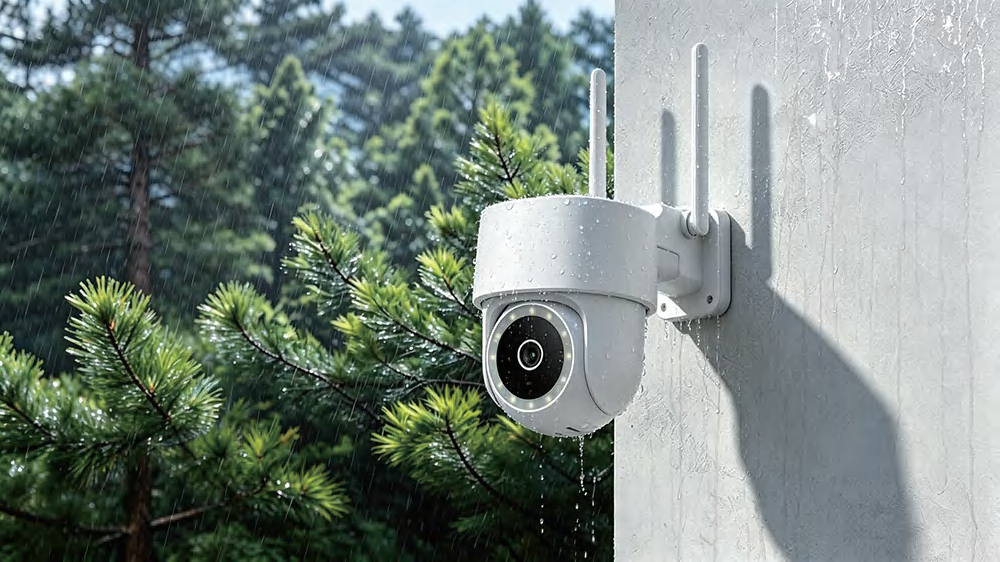
Golden Vision’s G16 outdoor PoE PTZ camera uses one Ethernet cable for power and video, offers a wide pan and tilt range, and carries an IP65 rating for dust and water resistance. It’s designed for outdoor use around residential properties, storefront entrances and warehouse perimeters. If you’re sourcing cameras for your brand or distribution network, contact Golden Vision to discuss OEM/ODM options.