
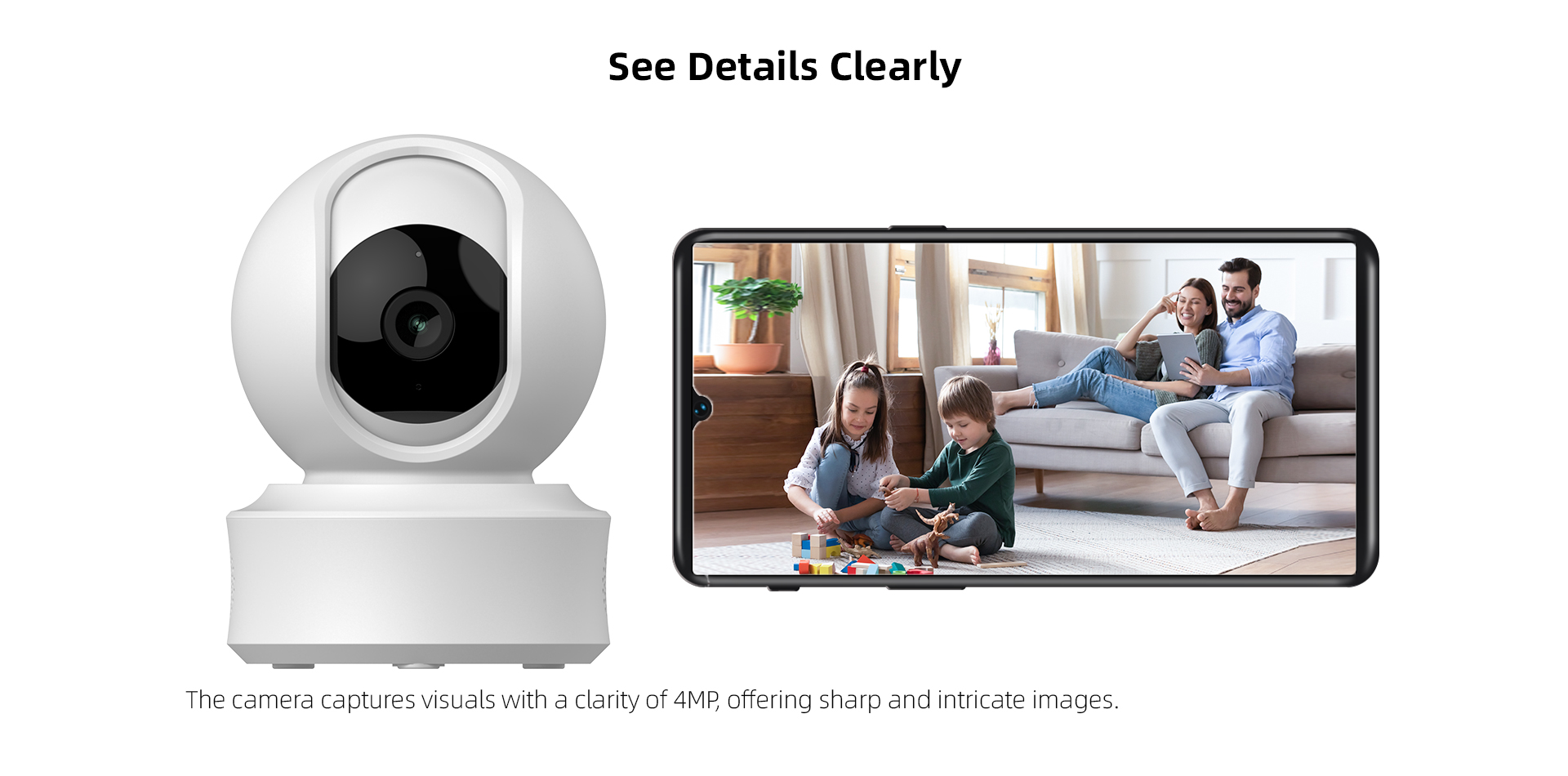






1:4MP video pixels 1/2.8-inch CMOS
2:Full HD 2560*1440 resolution;
3:HD lens 3.83mm fixed;
4:IR-CUT automatic switching to achieve day and night monitoring;
5:2pcs 850mm IR LEDs , IR distance: 8-10M;
6:Support digital WDR and 3D noise reduction functions;
7:H.265 video compression technology, high image quality, low bit rate;
8:Support mobile phone remote monitoring (iOS, Android);
9:Supporting cloud services and third-party value-added services, optional (Alexa, Google);
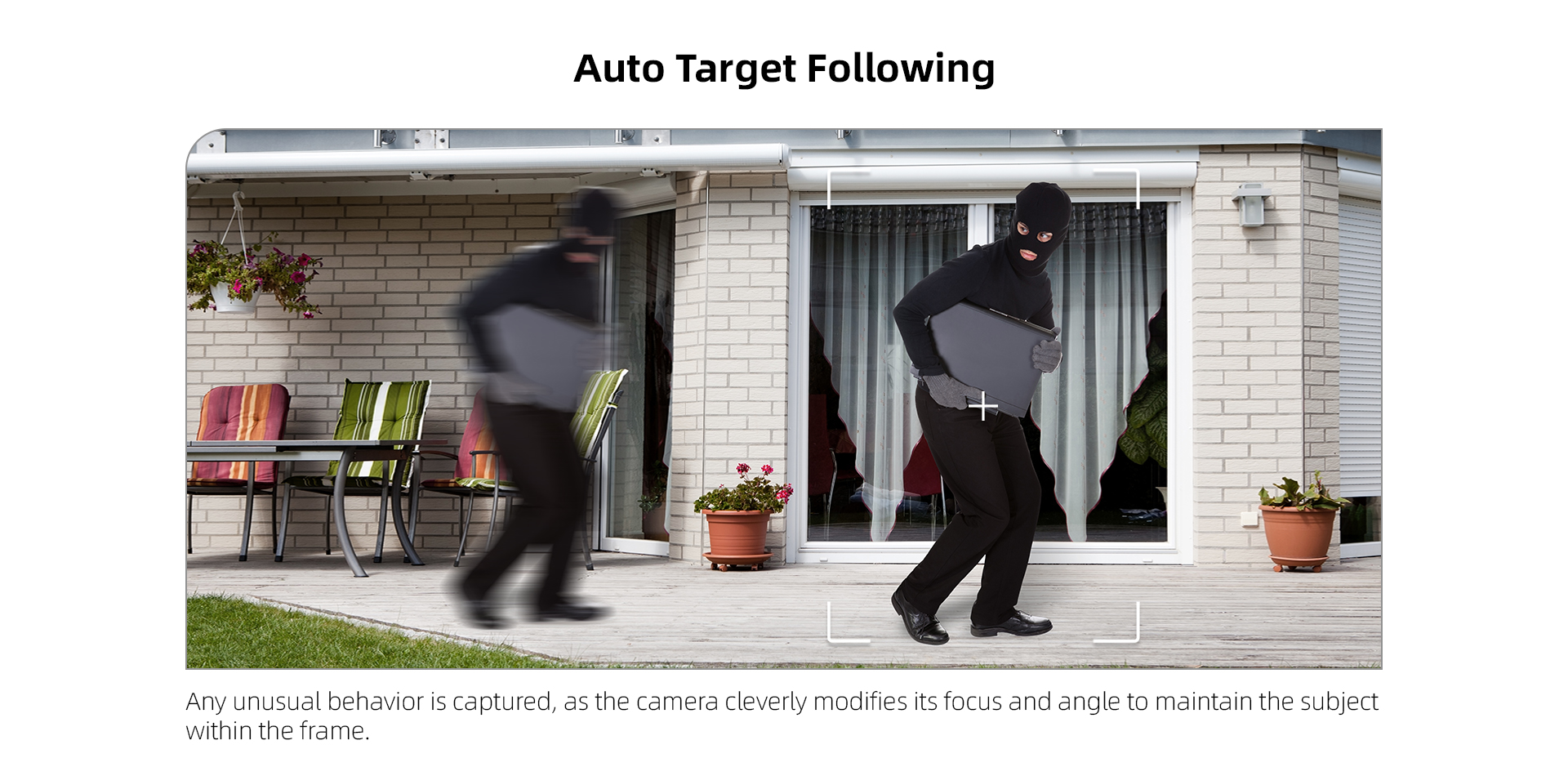
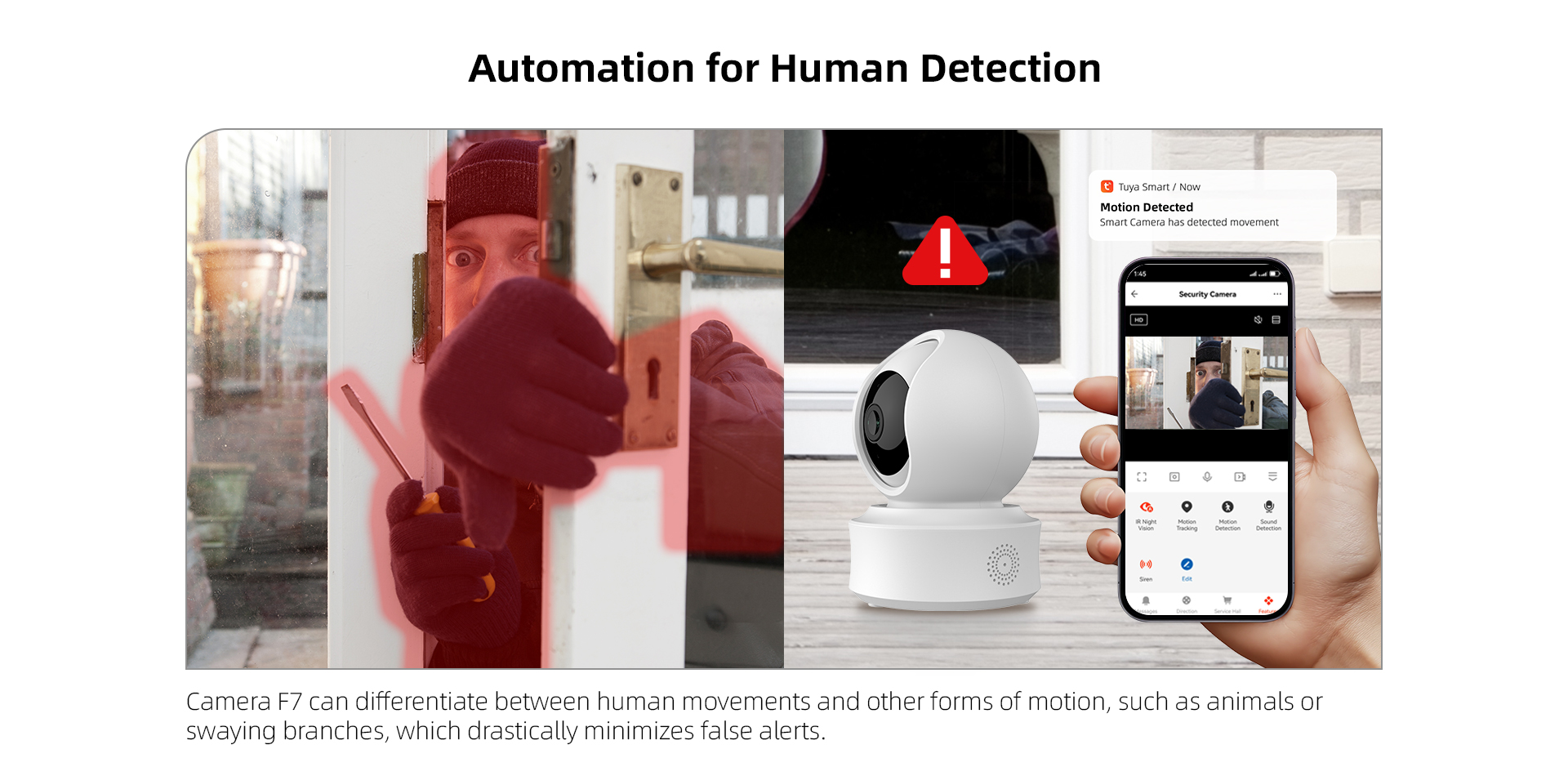
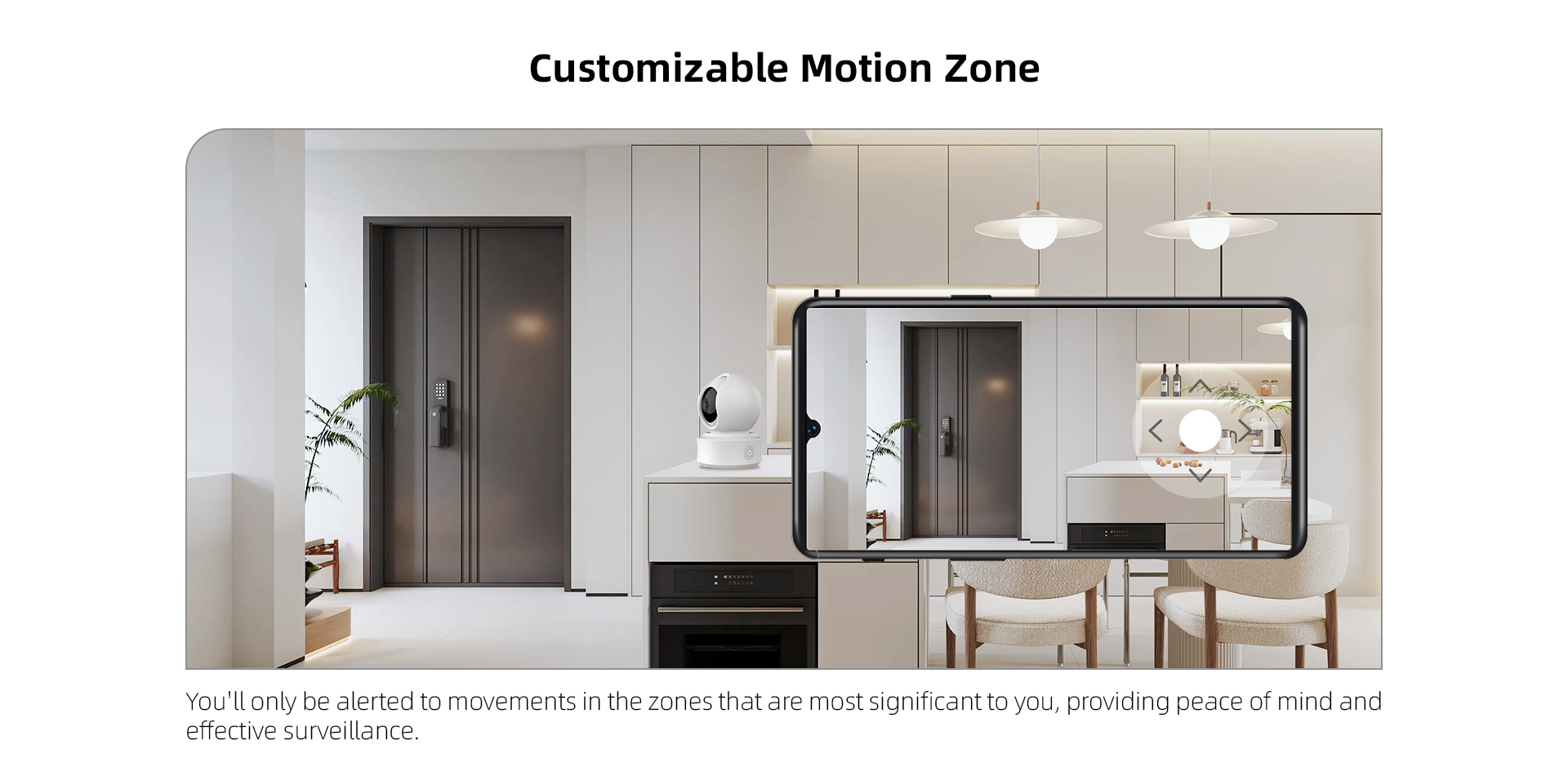
10: Support motion detection、sound detection、human body detection、cry detection、human body adjustable smart frame;
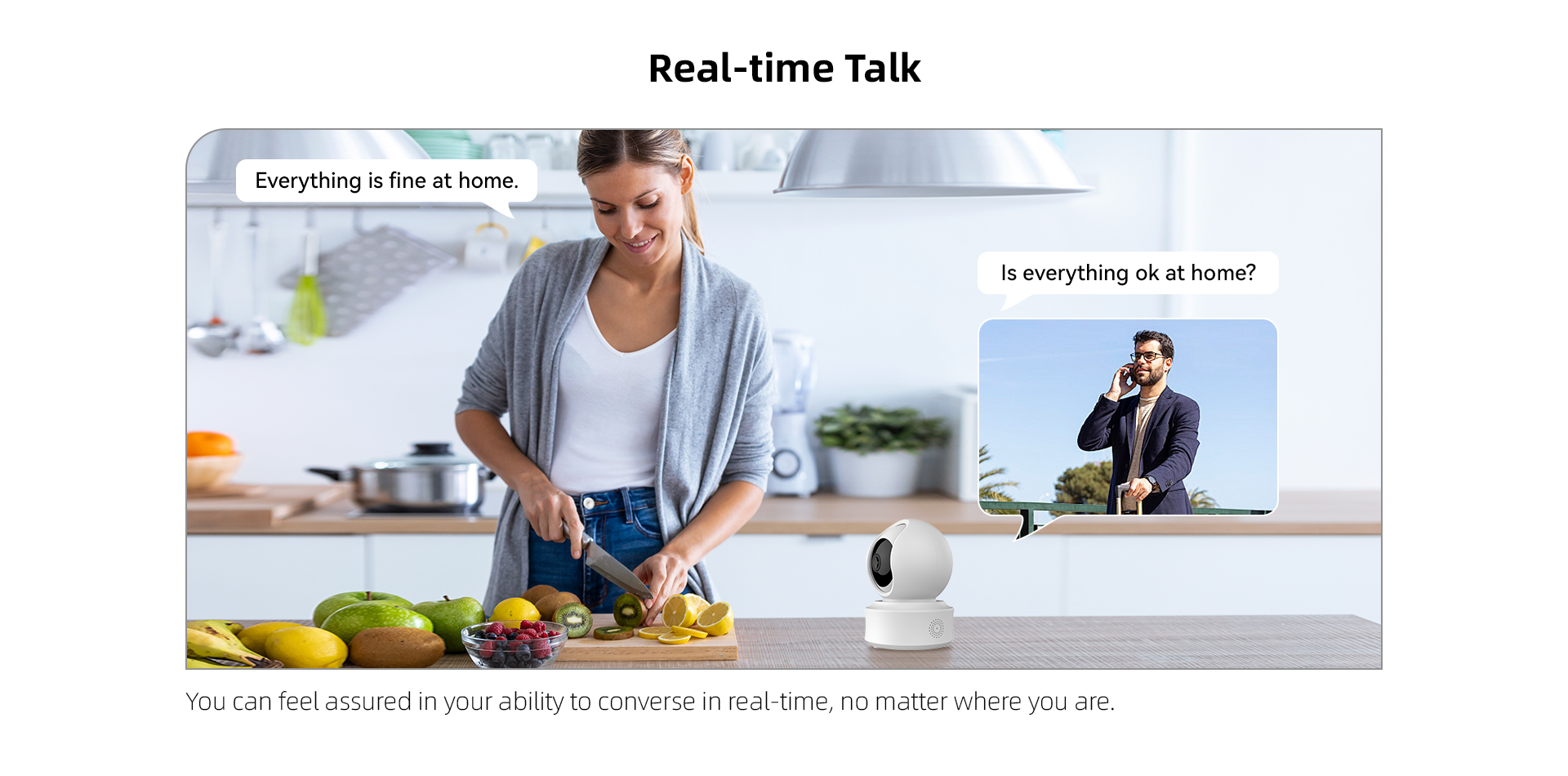
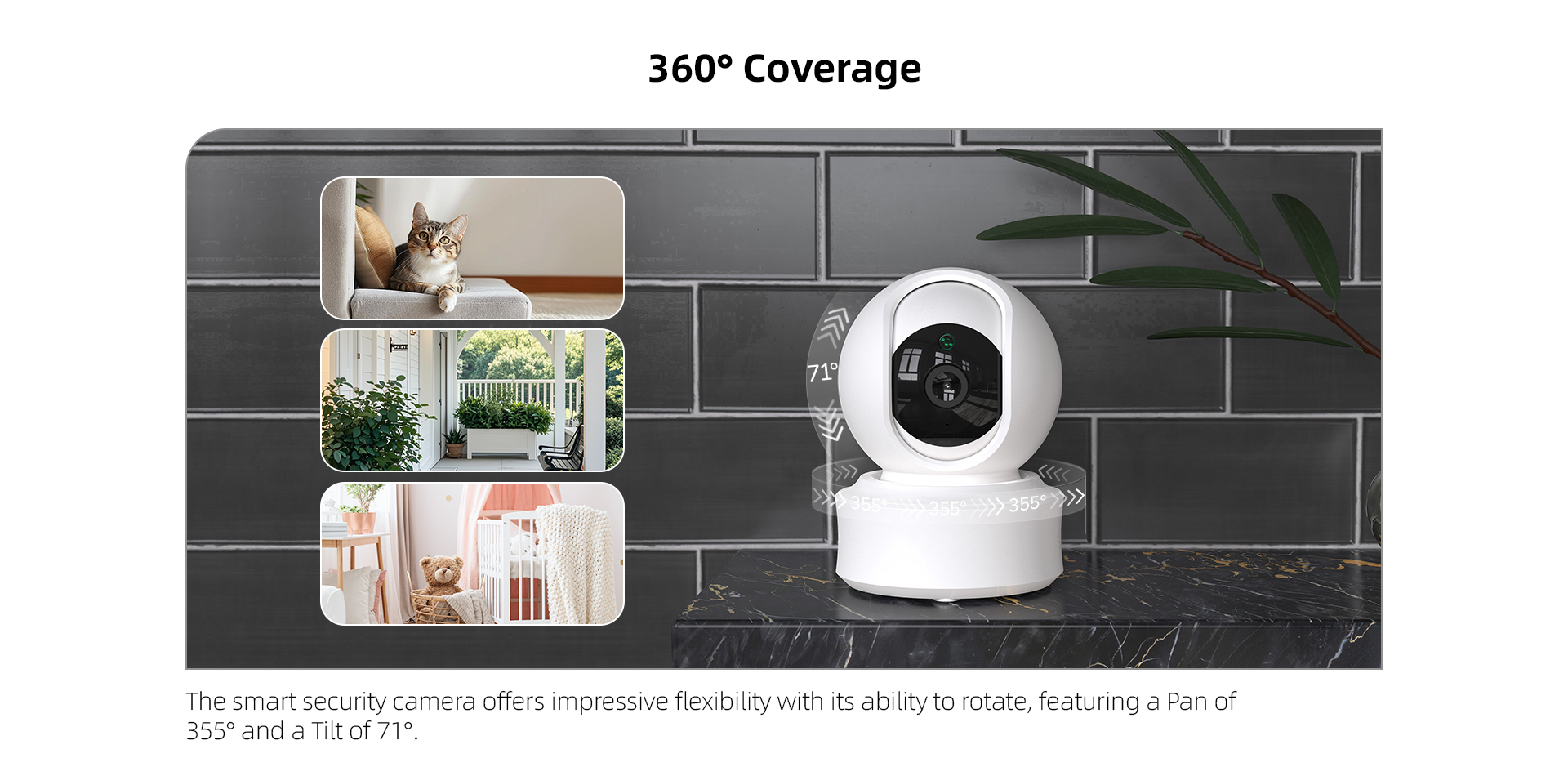
11: Supports one-click call and PTZ rotation;
12: Support WIFI6,2.4G WIFI pair and Bluetooth fast pair
Parameters | Specifications | |
Video | Effective Pixels | 2560*1440(4MP) |
Compression standard | H.265 | |
Frame rate | Fixed 20fps | |
Stream bit rate | Changeable 32Kbps-1.5Mbps | |
Resolution | HD(Mainstream):2560*1440 SD(Sub-stream): 640*360 | |
Video format | MP4 | |
Audio | Bit rate | 8kbps |
Audio format | G711A | |
Lens parameters | Model | LK96-6000 |
Focal length | 3.83mm±5% | |
Relative pore size | F1.6±5% | |
Interface type | M12*P0.5 | |
FOV | D:108.7° H:91.3° V:49° | |
Resolution | 4MP | |
Number of lens layers | 1G3P | |
Night vision | IR Distance | 8-10 m |
Photosensitive method | SENSOR metering | |
IR-CUT | YES | |
IR Light | 2pcs 940nm IR LEDs | |
Ambient light | N/A | |
Rotation angle | Pan/tilt | 350°/135° |
Wi-Fi | Model | ATBM6012B-X WIFI 2.4G+Bluetooth |
Standard | IEEE 802.11b/g/n | |
Distance | 30-40m(No barriers) | |
Bluetooth | Bluetooth | Support |
Speaker | Speaker function | YES impedance 8Ω |
Microphone | Sensitivity | -36dB ± 2dB |
Signal-to-noise ratio | ≥58dB | |
Storage | Cloud storage | YES |
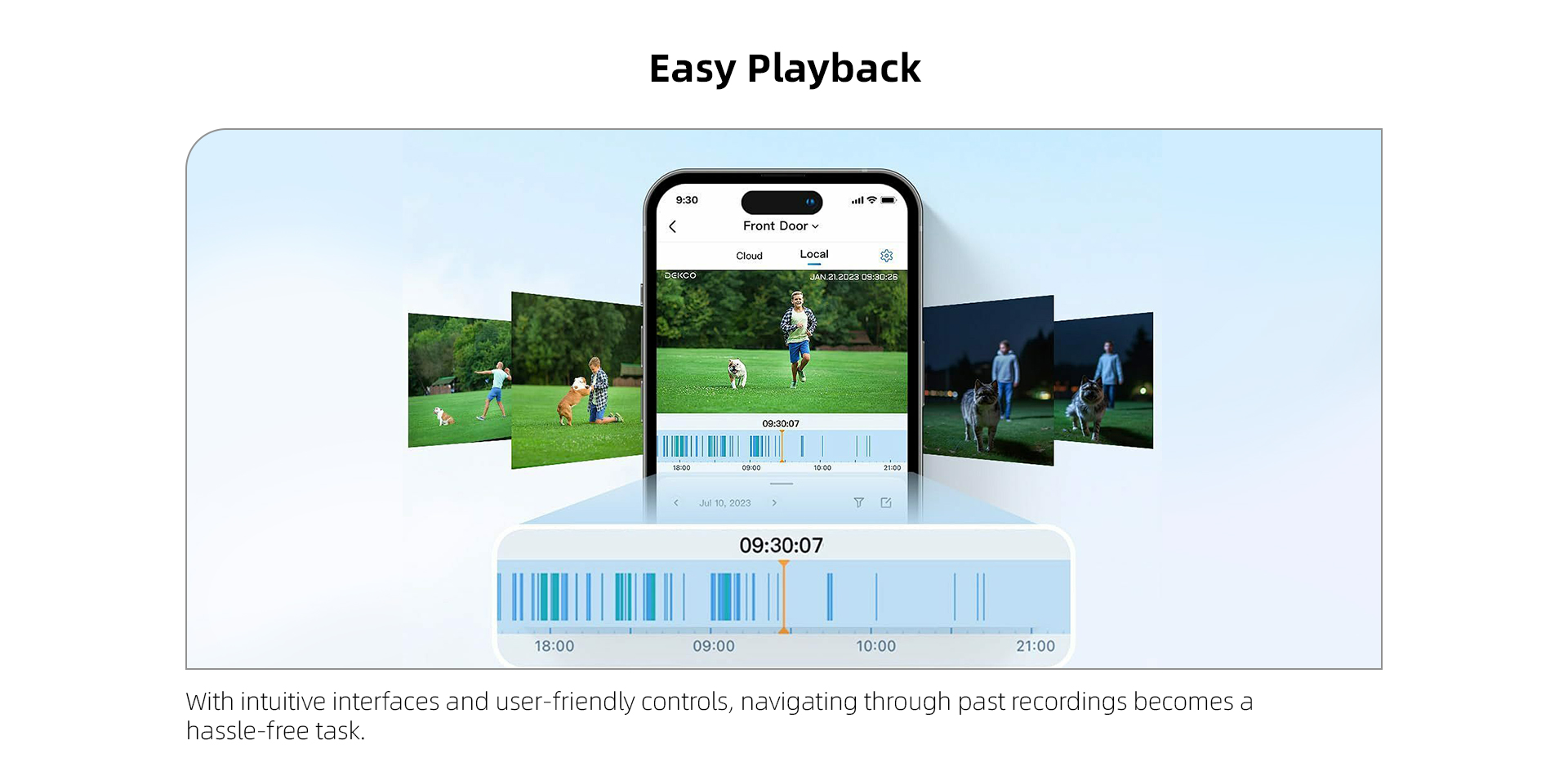
TF card storage | Supports TF cards, up to 256GB | |
Indicate light | Indicate device working state | 1.Steady on: Connected to the Internet 3.Slow blinking: Not connected to the Internet |
Interface | Reset button | YES |
Power interface | Type-C 5V/1A | |
Wired network interface | N/A | |
Power adapter | Output voltage | DC 5V/1A |
Connector | Type-C 5V/1A | |
Certifications | CE、ROHS、FCC | |
Working environment | Operating Temperature | -10℃ - 50℃ |
Storage temperature | -20℃ - 60℃ | |
Operating humidity | Less than 95% (non-condensing) | |
Installation mode and accessories | Installation | Wall mounted with bracket、Flat |
Packing list | Power adaptorx1 Camera×1 Manual×1 Installation Accessory Package×1 Installing kitx1 | |
Size | Length*Width*Height | 64*61*108mm |
Weight | Net weight | 192g |
There is noise in one-way and two-way intercoms?
1. There is audio input/output signal interference near the microphone/speaker. 2. There is a problem with the microphone/speaker hardware, please contact the manufacturer for resolution.
One-way and two-way intercom delay?
Detect whether there is delay/stuck in the network, such as PTZ rotation, real-time video, and video playback.
The camera has halos, strobes, etc?
1. The equipment testing environment has lights pointing directly at the camera. 2. Light refracts to the camera causing halo.
The camera is blurry?
1. If the camera fogs up, you can place the camera in a place with direct sunlight to evaporate the fog (Note: Do not point the camera lens directly at the sun) 2. The camera heats up severely during operation, which affects imaging components such as CMOS and causes blur. 3. When the light is too dark or too bright, HDR or WDR is not turned on.
The camera screen turns purple with many white spots?
1. The brightness of the environment where the camera is located is low, and the IR-CUT switch is activated but the color light mode is not switched normally, causing the picture to appear purple. 2. The effect of light refraction, you can adjust the picture to see if it is effective.
Due to an abnormal power outage during the remote OTA upgrade, the device cannot operate normally after repowering?
You can put the upgrade program into the TF card for local upgrade. The upgrade process: 1. A TF card with the file format of FAT32 → 2. Put the upgrade program into the source path of the upgraded TF card (not under the folder) → 3. Power off the device, put in the upgrade TF card and then power it on again → 4. The device will be upgraded successfully and restart in about 2 minutes. After restarting, power off and remove the upgrade TF card → 5. Power on and test whether the device is working normally.

This product does not have an installation video


